On Wednesday, I had a presentation about the latest features implemented for LibreOffice / Collabora Online in the past year at the annual LibreOffice Conference:
Please enjoy, there's a lot of screenshots there!
On Wednesday, I had a presentation about the latest features implemented for LibreOffice / Collabora Online in the past year at the annual LibreOffice Conference:
Please enjoy, there's a lot of screenshots there!
 |
| Click the slide to see the presentation |
 |
| Click the slide to see the presentation. |
 |
| Click the slide to see the presentation. |
 | |
| Click the slide to see the presentation. |
 |
| Click the slide to see the presentation. |
 |
| Click the slide to see the presentation. |
 |
| Click to see the presentation. |
 |
| Click to see the presentation. |
 |
| Click to see the presentation. |
 |
| Improved OS X look of LibreOffice |
 |
| Click to see the entire presentation |
This is again one of those little improvements that make LibreOffice much more usable, and that I so much love hacking on. I implemented a dropdown for the Open toolbar button that brings an easy access to the Recent Documents, and sent that the UX mailing list for feedback. I got some really useful hints. Even better - I gave Samuel code pointers to play with this a bit, and he came up with a beautiful patch that implements his ideas. And here is the result:

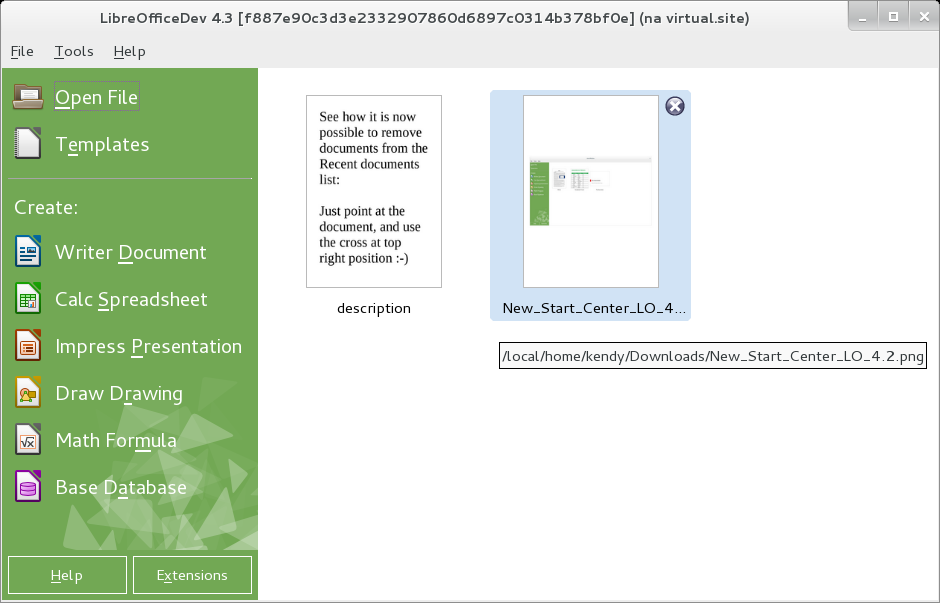
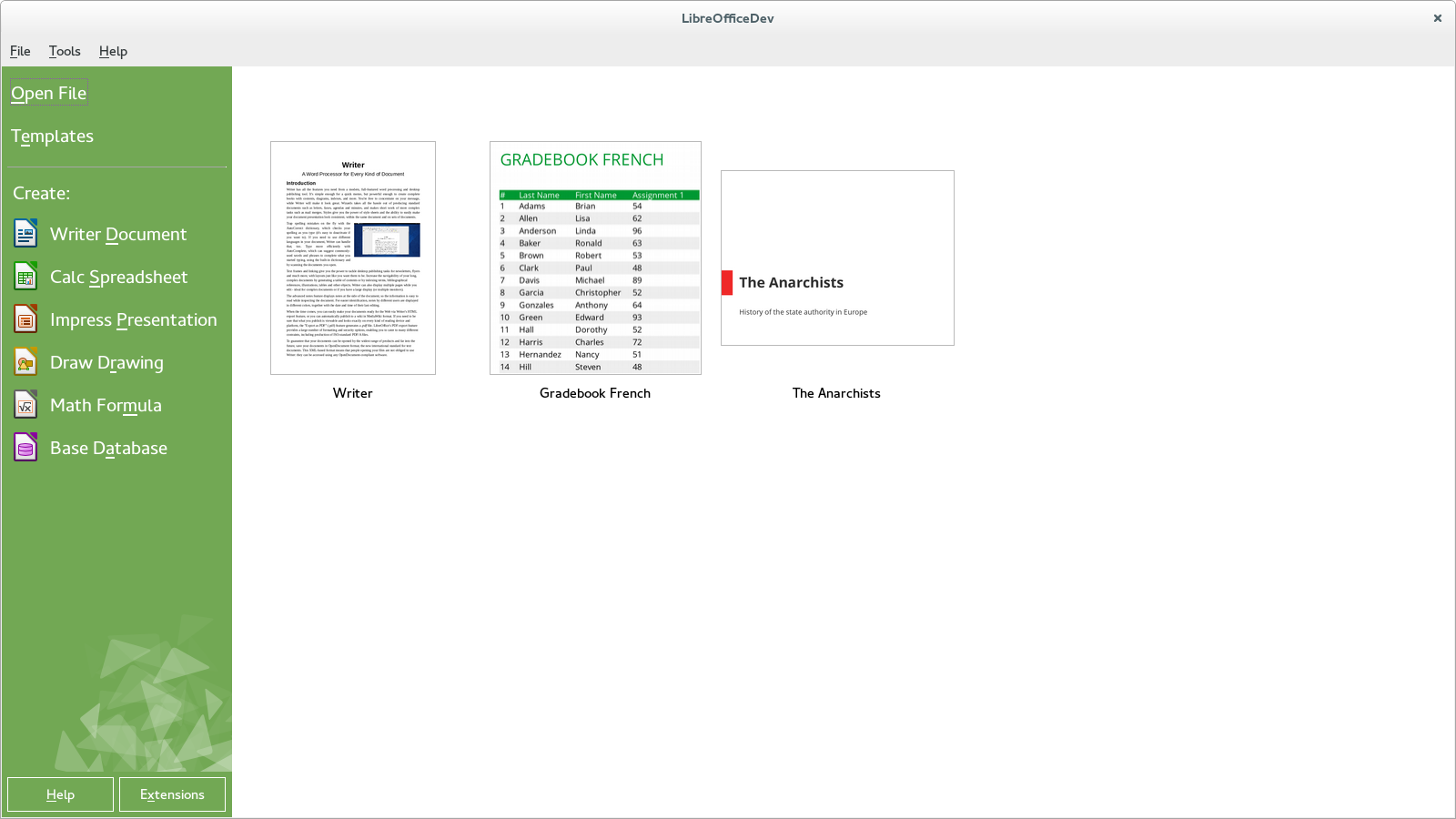
Samuel - thank you for this! :-) For anybody who would like to bring this functionality to the Start Center too (the screen you see when you start LibreOffice), here is an Easy Hack that will result in reusing the code for the Start Center too; and also will delete lots of duplicate code.
At the very last minute, my patches to support Firefox Personas in LibreOffice were accepted as a late feature for 4.0, hooray! :-) What does it mean?
Personas are easy-to-use themes that let you personalize the look of your Firefox says the Personas page. In fact, it is a great collection of many nice pictures you can apply in your Firefox with one click.
Olivier had the great idea to reuse them in LibreOffice too. I provided him with few code pointers to implement the feature, but then I decided this is actually so fun project that I wanted to do it myself (sorry, Olivier!) - and started that at the Munich HackFest. Long story short, here is the result:

Unfortunately we cannot choose Personas in LibreOffice with just one click as in Firefox, but it is as easy as it can be - just download LibreOffice 4.0 RC1 (or later) when available, choose Tools -> Options... -> Personalization -> Select Persona, and the rest is trivial, the dialog will lead you through the necessary steps. Enjoy!
The first day of the LibreOffice HackFest in Munich is nearly over, and I am happy to say that I've already achieved what I wanted to hack on:

This is how the "Apply Style" combo box looks like from now on - in LibreOffice 4.0, we will show previews of the styles directly in there, helping the users to choose the right style conveniently.
I can imagine some follow-up work, like being able to edit the style directly from the menu entry, instead of having to choose "More...", and editing from there; if you are interested to hack on this, I'll be glad to show you where :-) - just mail me.
